Building a Workspace That Actually Works for Digital Nomads
Most “remote-work friendly” listings mean a laptop balanced on a coffee table with a view. Here’s what a desk setup needs to actually hold up across an eight-hour day — and the calls stay partners keep getting wrong with their workspaces.

Anyone can work from a laptop for an hour. The test of a real workspace is whether you can sit at it for a full day, take three video calls, and still want to come back tomorrow. That’s a lower bar than it sounds — and a surprising number of stays don’t clear it.
This is some guidance for Trusted Stay Partners who ask what “great for remote work” actually means in practice. Thirteen things, in the order they tend to bite you.
1. A chair built for sitting, not just for looking good
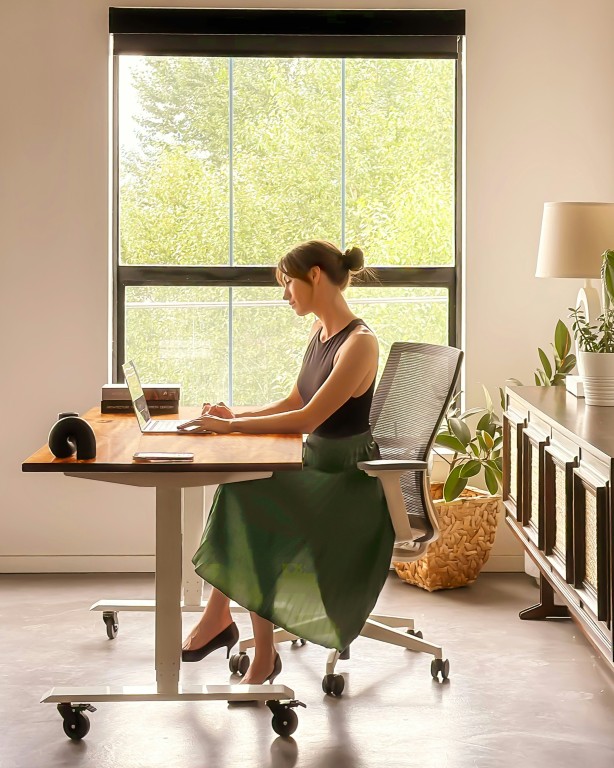
A dining chair or a rattan accent piece might photograph beautifully, but after two hours your wrists are working harder than they should and your lower back is doing overtime. Office-style seating with real lumbar support isn’t a luxury add-on — it’s the one piece of furniture that determines whether the afternoon is productive or just endured.
Check for: height adjustment. If the seat only comes in one height, either the desk is wrong for it or your wrists will be typing at the wrong angle all day. A gas-lift lever is a five-second fix that most fixed-height chairs can’t offer.
2. Somewhere to stand, not just sit
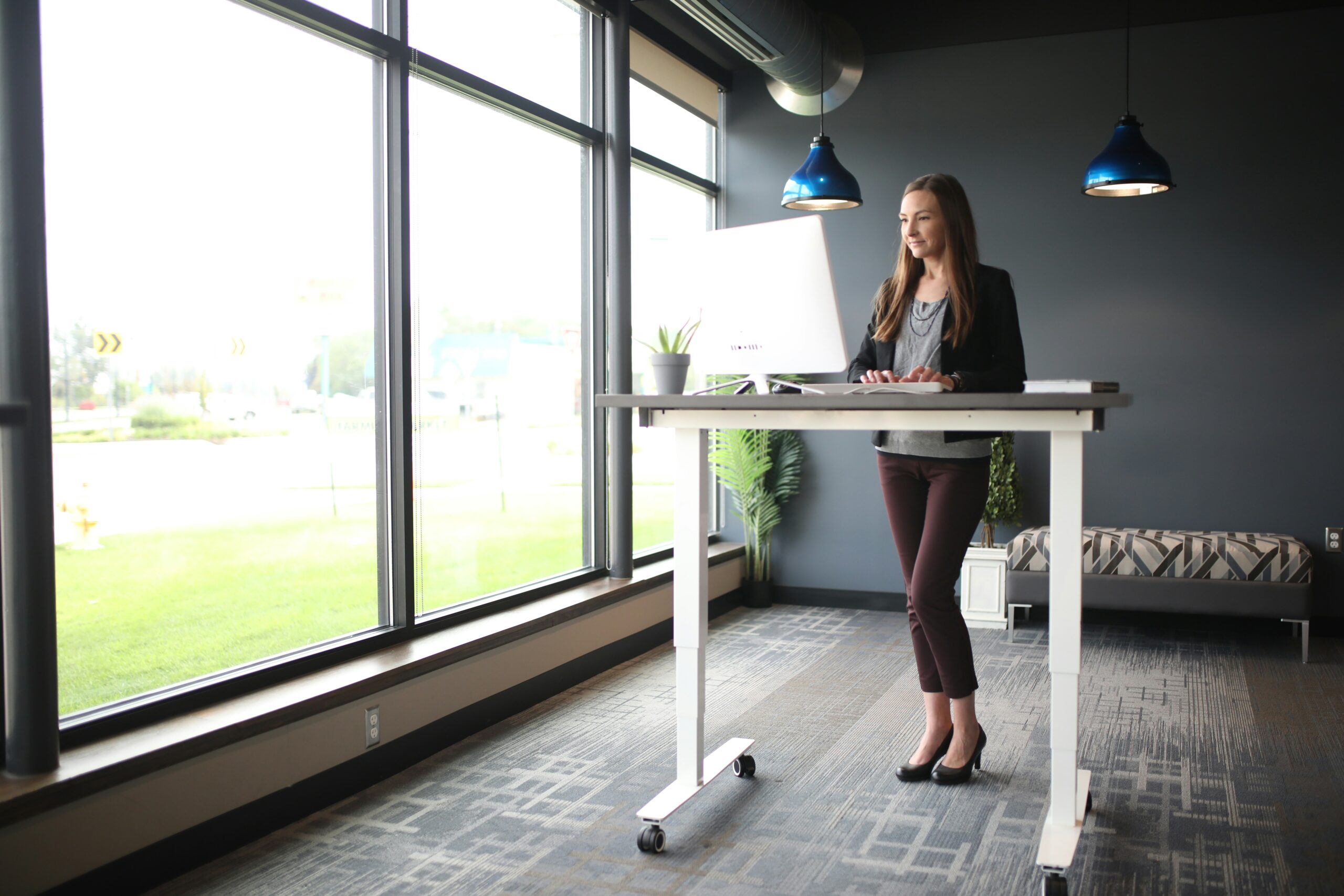
A sit-stand desk, or even a simple riser on top of a fixed desk, changes the physical experience of a long call day. It doesn’t need to be electric or expensive — a stable box that lifts the keyboard and screen to standing height solves 90% of the problem. What matters is that the option exists at all.
3. A desk wide enough to actually use
Depth and width matter more than most people budget for. A laptop alone needs surprisingly little room — the moment you add a mouse, a notepad, and a coffee cup, a narrow desk turns into a game of Tetris. Anything under about 100cm wide starts to feel cramped the moment a second device joins the laptop.
4. Power within reach — not across the room
An outlet on the far wall means a cable taped across the floor, or a nightly ritual of unplugging and re-plugging four devices. A socket at desk height, or a proper multi-plug fixed to the desk itself, is one of the cheapest upgrades a stay can make to their workspaces and one of the first things nomads notice when it’s missing.
5. A desk that isn’t the kitchen table
Working from the kitchen table sounds fine until the first guest arrives, or lunch prep collides with a 1pm call. A dedicated desk — even a small one in a corner — gives a mental line between “at work” and “at home” that a shared surface never quite manages, and it means the setup (monitor, notepad, cables) can just stay put.
6. A second screen, and a decent-sized one
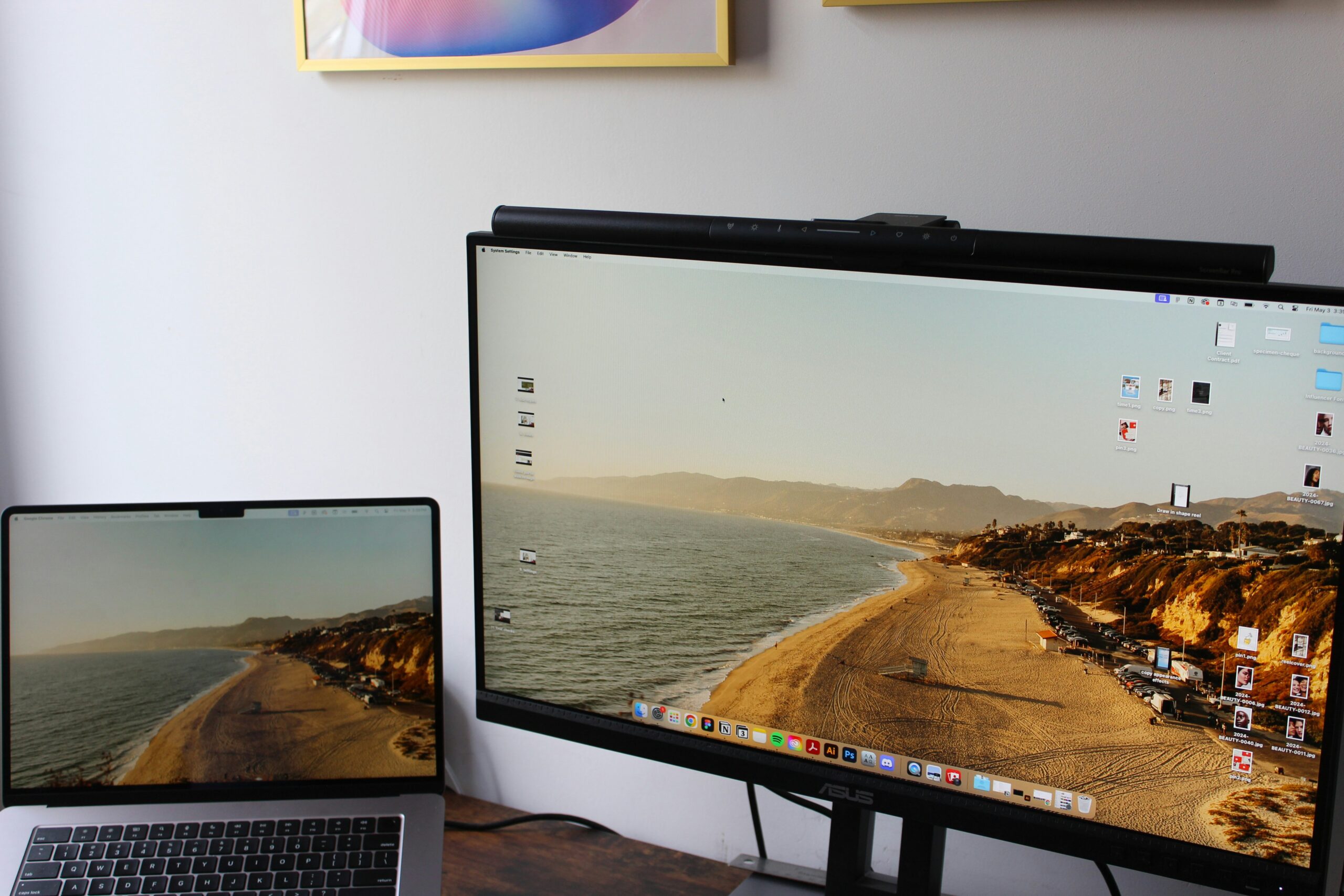
A single 13-inch laptop screen is workable for email. It’s punishing for spreadsheets, design work, or anything with more than one document open. A large external monitor is the single biggest quality-of-life upgrade a stay can offer a remote worker, and it’s often the deciding factor between a “fine” workspace and a genuinely good one.
7. Light from the side, not the sun in your eyes
A desk facing straight into a window looks bright and welcoming in a listing photo. By 11am it’s a glare on the screen and a squint you can’t shake. The comfortable setup puts the window to the side, so the room is lit without the sun competing with the monitor.
8. No window behind the chair either
This is the flip side of point 7, and just as often missed: a bright window directly behind the desk chair turns every video call into a silhouette. The camera exposes for the window, not the face. Good desk placement keeps the light source to the side or in front, so colleagues can actually see who they’re talking to.

9. A backdrop that isn’t the bed
What’s visible behind a laptop on a call says as much about a stay as the room itself. A plain wall, a shelf, a plant, or a bit of local character reads as professional. An unmade bed or a pile of laundry in frame undercuts the “great for remote work” pitch instantly — and it’s entirely fixable with desk placement, not renovation.
10. Wi-Fi that’s good, ethernet that’s better
Strong Wi-Fi covers most needs, but a wired ethernet port at the desk is the difference between “should be fine” and “definitely fine” for a video call that can’t drop. It’s a cheap cable run for a Trusted Stay Partner to add, and it’s the first thing a lot of experienced remote workers look for before they even unpack.
11. Battery backup for the router — and the desk
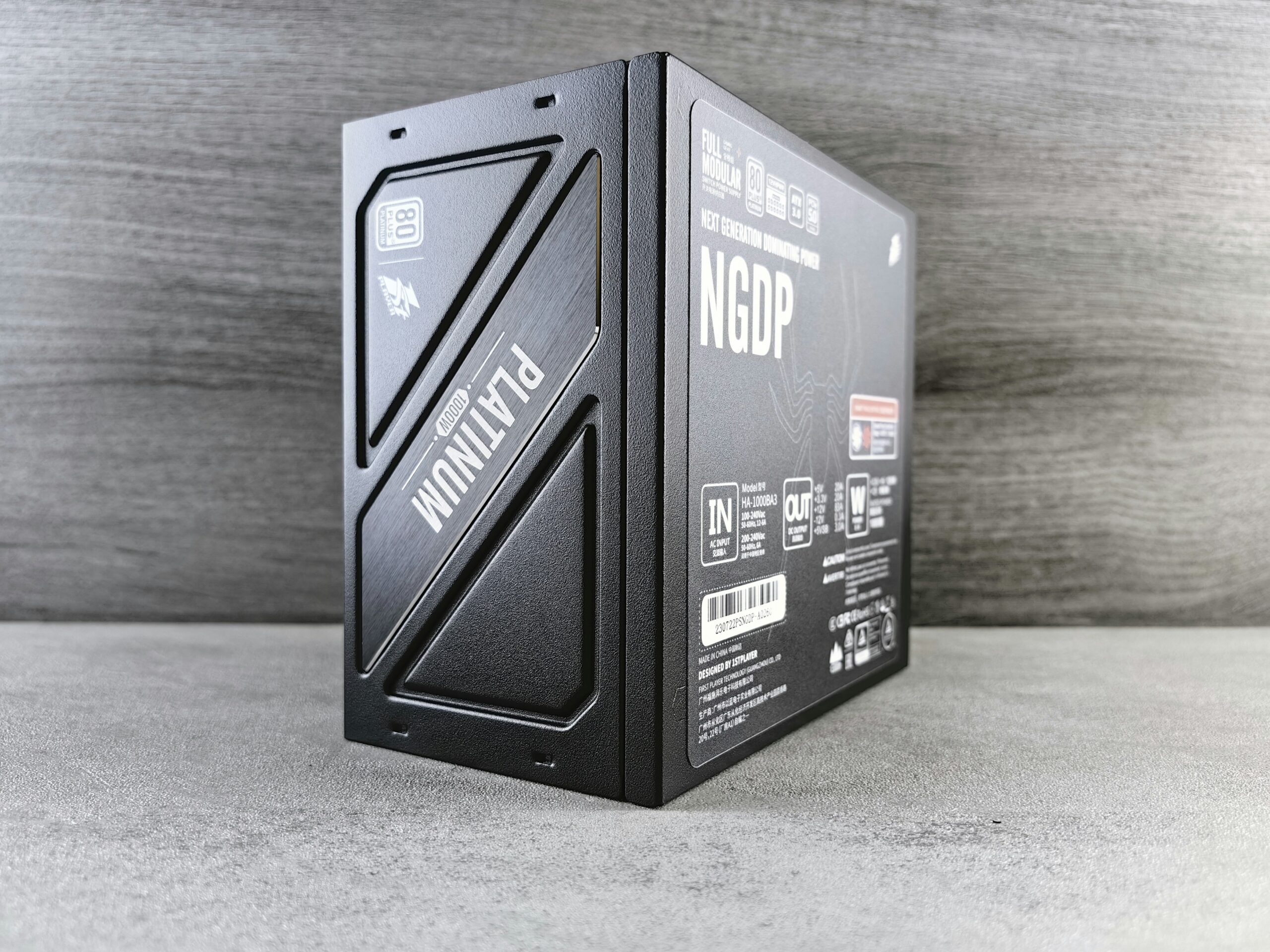
Power cuts happen everywhere, and they’re rarely brief. A small UPS (battery backup unit) keeping the router alive means the internet often survives even when the mains doesn’t, buying enough time to finish a call or save work before the laptop’s own battery takes over.
Worth knowing: if the router sits on fibre or a connection that doesn’t depend on local powered equipment, it can sometimes keep serving the building even through a local outage — but only if it has its own power supply to run on.
12. Sound isolation for the other time zones
Nomads work across time zones, which means calls at 6am and 2am are routine, not rare. A room with real sound insulation — a solid door, some soft furnishing to absorb echo, distance from shared walls — means a stay can host that odd-hours call without turning into a source of neighbourhood friction.
13. Natural light and a window that actually opens
None of this should come at the cost of fresh air. A workspace that ticks every box above but traps stale air for eight hours a day is still a worse place to work than a simpler room with a breeze. A window that opens — not just a fixed pane — is the last, easiest check, and the one people forget because it’s not really about the desk at all.

The 13-point workspace check
- Office-style chair, height-adjustable
- Sit and stand options at the desk
- Desk wide enough for a mouse, notepad and cup, not just a laptop
- Power outlet within reach of the desk — no trailing cables
- A dedicated desk, separate from the kitchen table
- A large external monitor
- Light from the side, not glaring into the screen
- No window directly behind the chair (avoids backlit calls)
- A tidy, professional backdrop for video calls
- Strong Wi-Fi, with a wired ethernet option
- Battery backup (UPS) for router and computer
- Enough sound insulation for calls at odd hours
- A window that opens, for natural light and fresh air
Every stay on Nomad Stays lists its workspace details up front — desk size, monitor availability, wired internet, and more — so you’re not guessing from a photo angle chosen to hide the kitchen table just out of frame.
That’s also why every Nomad Stays listing has its own dedicated workspace photo section, separate from the general property gallery. Instead of hunting through bedroom and lounge shots trying to guess where you’d actually be working, you can go straight to the desk, the chair, the monitor, and the light — and judge for yourself whether it meets the checklist above.
** This article was created and published with the help of Claude AI.




Pingback: Building a Workspace That Actually Works for Digital Nomads - Planet Nomad News